Project · Corporate website · Private area
AVC: a private area for members
The website of the Associació Vinícola Catalana (Catalan Wine Association), with a custom-built private document library: folders, two access profiles and documents only authorised people can download.
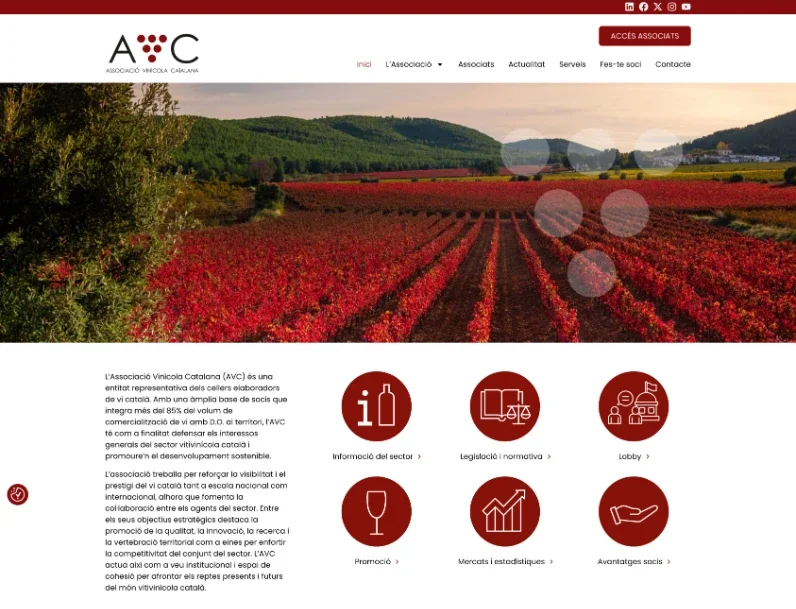
avc.cat · Association website with a members' area
Project facts
The project in four figures
WordPress with Elementor and our own plugin that works independently of the page builder.
2 profiles
Executive Committee and Members
12
initial folders, with subfolders
25 MB
per document: PDF, Office, ODF, images, CSV
0
documents in the public media library
The challenge
Documents that can't be public
The AVC represents wineries across Catalonia and shares minutes, market reports, legislation and committee and working group documents with its members. Some of it is for all members and some only for the Executive Committee.
It needed a library that's easy for the secretary's office to manage, simple access for members, and a guarantee that a private document can't be opened with a shared link or show up on Google.
The solution
Our own plugin, no licences
Our own complete code, with no external services. It's added to the Elementor page with a shortcode and keeps working if the design changes.
Library and folders
The secretary's office creates folders and subfolders, decides who has access and uploads documents by dragging them in. The same document can be in several folders and can be replaced without changing its link.
Folders
Permissions
Bulk upload
Users and access
Sign-up by invitation with a personal link to set the password, password changes from the area, account deactivation and failed login attempt control.
Invitations
Custom roles
Attempt limit
Real privacy
Files are stored outside the public folders, with random names. Each download checks the session and current permissions, and neither the page nor the files are indexed or cached.
Outside the public website
Not indexable
No caching
Member access
Simple for the people logging in
Members log in with their email or username from the website itself, without going through the WordPress admin. If they forget their password, they recover it from the same form.
Once inside, they only see the folders that apply to them. If a document is in both a restricted folder and a shared one, they see it in the shared folder without knowing the other exists.
Security
Designed for sensitive documents
Public registration is disabled: users can only be created from the admin. Login errors show a generic message and, after several failed attempts, access is temporarily blocked.
If the plugin is deactivated, the data, roles and files are kept and remain private. The server backups include the database and the private folder.
Other services
Everything reinforces everything else: the website, the store, visibility and the server it runs on, with one team responsible.
Corporate website
Custom WordPress and Elementor
PrestaShop online stores
Custom stores, modules and integrations
Holiday rentals
Direct booking connected to your PMS
SEO and GEO
Visibility on Google and in AI answers
Hosting, maintenance and security
Servers configured for each project